
Can You Pre Download Borderlands 4? Pre-Load Schedules & Guide
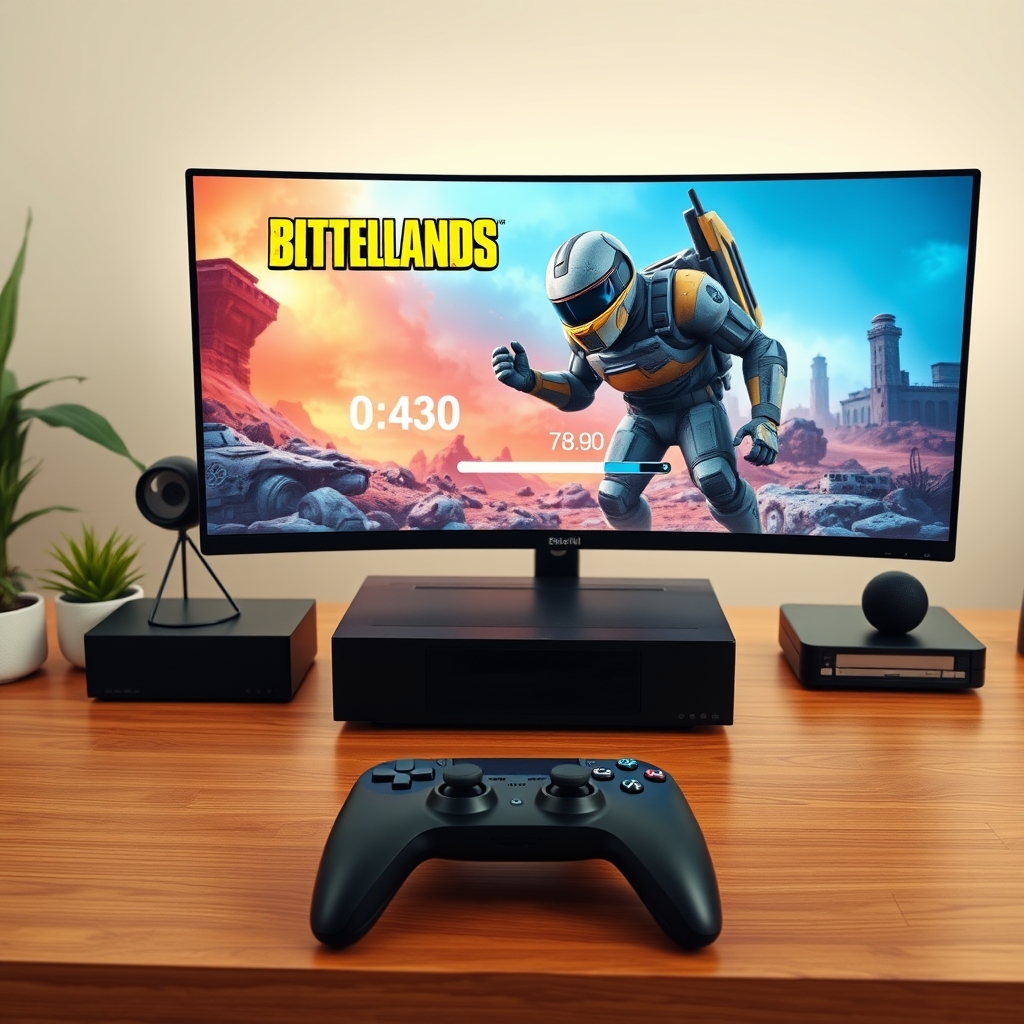
If you are eager to jump straight into the mayhem the moment Gearbox Software unlocks the server gates, you might naturally wonder: can you pre download borderlands 4 before official launch day?
The short answer is yes. Pre-loading is standard practice for AAA game releases published by 2K Games across modern gaming hardware. Players who pre-order digital copies of Borderlands 4 on PlayStation 5, Xbox Series X/S, Steam, or the Epic Games Store can download the core game files several days prior to the official unlock time.
Pre-downloading ensures you do not waste launch day sitting in front of a slow progress bar while millions of Vault Hunters attempt to fetch game files simultaneously.
Platform Pre-Load Schedules for Borderlands 4
Digital distribution platforms enforce different unlock policies and pre-load timing. Understanding when files become available on your specific hardware ensures your system is primed.
For players wondering can you pre download borderlands 4 on console, both Sony and Microsoft maintain standard pre-load windows. Xbox frequently allows pre-downloads slightly earlier, while PlayStation restricts auto-downloads to exactly 48 hours prior to regional release dates.
On PC, a common question for PC gamers is can you pre download borderlands 4 on Steam and the Epic Games Store simultaneously. Both storefronts support pre-loading for major titles, though file decryption will occur at the precise minute the global launch window opens.
Step-by-Step Guide: How to Pre-Download Borderlands 4
To ensure your installation completes without error before launch, follow these platform-specific setup instructions.
PlayStation 5 Setup
- Go to your Library and navigate to the Purchased tab.
- Select Borderlands 4 from your list of pre-ordered titles.
- Select the timer icon showing the countdown to launch day.
- Ensure Auto-Download is toggled on. If the pre-load date has arrived, click Download directly.
- Keep your PS5 in Rest Mode with power settings set to maintain an internet connection.
Xbox Series X/S Setup
- Open My Games & Apps from the Xbox Dashboard.
- Go to Full Library > Owned Games.
- Locate Borderlands 4 and press the Menu Button on your controller.
- Select Manage Game and Add-ons.
- Check the main file box and hit Save Changes to queue the download immediately.
If you are verifying whether can you pre download borderlands 4 on Xbox Series X or S before buying, you can also use the official Xbox App on iOS or Android to push pre-install commands to your console even before completing your digital purchase.
PC (Steam and Epic Games Store) Setup
- Open your Steam or Epic Games Launcher library client.
- Search for Borderlands 4 in your collection.
- As soon as pre-loading opens, the standard Pre-Load button replaces the Coming Soon or Pre-Ordered label.
- Click Pre-Load and choose your preferred SSD installation directory.
- Leave your PC on or allow background downloads so game data downloads silently.
Storage Requirements & System Preparation
Modern AAA titles built on advanced game engines require significant storage space and high-speed drives. Gearbox Software's design for Borderlands 4 features seamless environments, high-density textures, and expansive loot tables, leading to sizeable installation files.
- Estimated Install Size: ~80 GB to 100 GB
- Required Storage Type: Solid State Drive (NVMe SSD strongly recommended)
- Additional Space Reserved: Reserve at least 20 GB of extra free space for the mandatory launch unpack sequence and potential Day-One patch files.
Installing Borderlands 4 on a traditional mechanical HDD (Hard Disk Drive) is highly discouraged. Modern asset-streaming technology requires NVMe or high-speed SATA SSD read speeds to eliminate loading stutters and asset pop-in during heavy co-op gunfights.
What to Expect on Launch Day: Unpacking and Day-One Updates
When you pre-load a game, the downloaded files are encrypted to prevent data mining or early unauthorized play. Knowing can you pre download borderlands 4 and having your system prepped ahead of time saves you from dealing with launch-day network throttling, but you must still complete the decryption step.
The Decryption Process
At the exact launch minute, Steam, Epic, and console platforms run a local decryption key over the downloaded archive. On PC, this requires active CPU processing and high disk write speeds. Having a fast CPU and PCIe Gen 4 SSD makes this decryption process finish in a few minutes, whereas an older system might take 15 to 30 minutes.
Day-One Patches
Developer updates are common right up until release hour. Even if you pre-downloaded 100% of the game package two days early, expect a small day-one patch download (typically between 2 GB and 10 GB) when servers officially go live to address zero-day bug fixes and stability tweaks.
Troubleshooting Pre-Download Issues
If the option to pre-load does not appear or if your download gets stuck, try these fixes:
- Verify System Time: Ensure your console or PC system clock is synchronized automatically with internet time servers.
- Clear Download Cache (Steam): Go to Steam Settings > Downloads > Clear Cache if the pre-load button fails to render.
- Check Free Disk Space: Downloads stall if your target drive lacks double the installation footprint during the staging phase.
- Power Cycle Consoles: Perform a full restart (holding power down for 10 seconds) to force store license refreshes on PS5 and Xbox.
Related Articles
 Gaming
How to Check If Your Laptop Can Run Any Game (Step-by-Step)
September 3, 2026 Gaming
Is Google Play Games on PC Laggy? Causes and Quick Fixes
September 3, 2026 Gaming