
Affordable AI Avatar Generators for Small Businesses Guide)
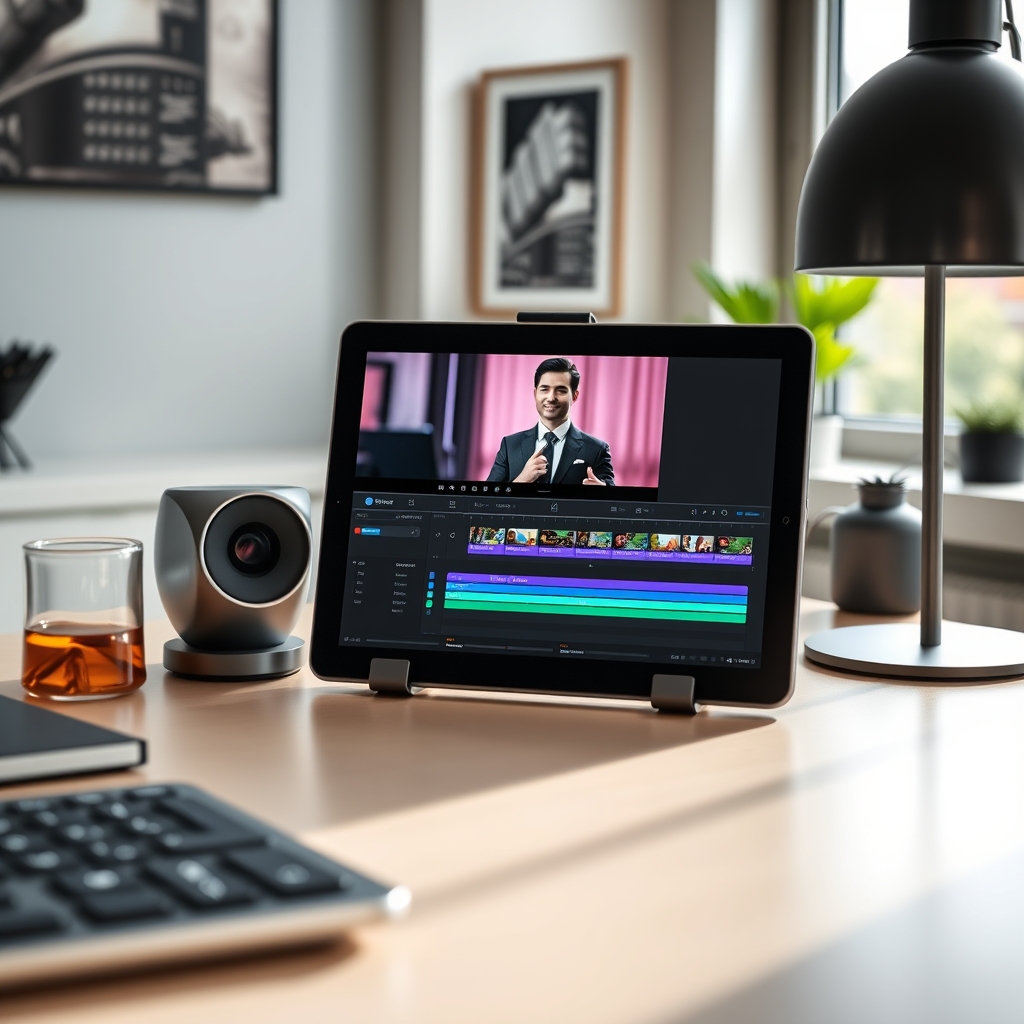
Video marketing continues to dominate audience engagement across websites, email campaigns, and social media channels. However, traditional video creation presents steep financial and operational hurdles for small firms. Renting studio space, purchasing high-end cameras, hiring on-camera talent, and spending days in editing suites can quickly drain a modest marketing budget.
Today, affordable ai avatar generators for small businesses have made it possible to produce training clips, product explainers, and customer onboarding sequences at a fraction of traditional costs. These tools convert text scripts into realistic synthetic presenters, allowing lean teams to produce consistent, high-quality video content without specialized hardware or technical editing expertise.
Understanding AI Avatars for Small Business Video Production
An AI avatar generator relies on machine learning models trained on human expressions, speech patterns, and facial movements. By inputting a written transcript, users generate a realistic video presenter who articulates the words with synchronized lip movements, natural eye blinks, and subtle gestures.
For small business owners, this technology eliminates the scheduling bottlenecks and stage fright often associated with video production. Instead of re-shooting videos whenever product features update, team members simply update the written script and regenerate the output in minutes.
Resources from the U.S. Small Business Administration emphasize that adopting lean digital technologies helps small firms remain competitive against larger enterprises. AI avatars fit directly into this strategy by turning video creation into an agile, scalable text-editing task.
Key Features to Look For in Budget-Friendly AI Avatar Platforms
When evaluating affordable ai avatar generators for small businesses, looking beyond the base subscription price is critical. A platform that appears cheap upfront may prove expensive if it lacks commercial licensing or limits video exports severely.
Core Capabilities to Prioritize
- Stock Presenter Diversity: Look for platforms providing avatars of varying ages, ethnicities, and professional dress styles to match your brand identity.
- Custom Avatar Options: Check if the tool allows creation of custom photo or video avatars based on team members for personalized outreach.
- Natural Voice Synthesis: Audio quality dictates viewer retention. Ensure the tool offers nuanced, multi-language text-to-speech with natural cadence and realistic pauses.
- Commercial Licensing: Confirm that your plan includes full commercial rights so videos can be used freely in advertising and client communications.
- Built-In Editor: Integrated templates, media asset libraries, and caption generators save time and eliminate the need for third-party video editors.
Top Budget AI Avatar Generators Evaluated
Selecting among affordable ai avatar generators for small businesses comes down to balancing realistic movement, voice quality, and monthly video export limits.
HeyGen
HeyGen stands out for user experience and visual fidelity. Its entry tier offers a generous allocation of monthly video credits suitable for short social posts and product updates. The platform's photo-avatar feature lets you animate a single high-resolution portrait, providing an entry point for personalized sales outreach.
Synthesia
Synthesia remains an industry benchmark for corporate and educational videos. While its entry plan imposes lower video duration caps than some competitors, its voice library and multi-language capabilities make it ideal for businesses serving diverse international clients.
Elai.io
Elai.io excels at automated workflow integration. Small businesses can paste a blog post URL or upload a PowerPoint file, and Elai automatically builds a video script complete with matching slide layouts and assigned AI avatars. This saves hours when repurposing existing content.
Colossyan
Colossyan focuses heavily on internal training, onboarding, and compliance videos. Its scenario creator allows two avatars to hold conversations on screen, making it useful for internal communications and customer support walkthroughs.
Cost Analysis: Free Plans, Tiered Pricing, and Hidden Usage Fees
To get maximum value from affordable ai avatar generators for small businesses, team leads should calculate cost per video minute across different plan tiers.
Understanding Credit Systems
Most AI avatar platforms operate on credit-based subscriptions. One credit typically equals one minute of rendered video. Understanding your monthly output requirements prevents unexpected overage fees:
- Micro Usage (1 to 5 minutes/month): Free tiers or basic pay-as-you-go plans work best for testing or occasional updates.
- Standard Usage (15 to 30 minutes/month): Starter tiers ranging from $19 to $30 monthly cover routine social posts, monthly newsletters, and FAQ videos.
- Growth Usage (60+ minutes/month): Professional tiers ranging from $60 to $120 monthly become cost-effective when building comprehensive employee onboarding or video course libraries.
Hidden Costs to Watch
- Resolution Charges: Some platforms restrict 1080p or 4K downloads to higher-tier subscriptions.
- Custom Avatar Setup Fees: Creating a digital twin of an owner or spokesperson sometimes involves a one-time setup fee outside the monthly subscription.
- Stock Asset Licensing: Verify whether background audio, stock video clips, and icons inside the built-in editor are included without royalty surcharges.
Step-by-Step: Creating Your First Professional AI Presenter
Implementing affordable ai avatar generators for small businesses in your workflow requires structured planning to ensure polish and brand consistency.
Step 1: Draft and Refine the Script
Keep sentences clear, direct, and conversational. AI speech engines handle shorter clauses better than complex, run-on sentences. Insert explicit punctuation—such as commas or hyphens—where you want natural pauses in speech.
Step 2: Select the Right Avatar and Studio Background
Choose an avatar whose attire and demeanor align with your brand's voice. For a professional services firm, formal attire with a clean office background works best. For creative agencies, a casual avatar against a minimalist studio layout feels more authentic.
Step 3: Configure Voice, Pacing, and Tone
Test multiple voice profiles before rendering. Most platforms offer regional accents and emotional tones (such as friendly, professional, or energetic). Adjust the playback speed slightly—often setting it between 0.95x and 1.05x yields the most realistic speech cadence.
Step 4: Add On-Screen Visuals and Captions
Enhance engagement by adding visual supporting elements alongside the presenter. Over 70% of social media users view videos with sound muted; generating automated closed captions directly within the tool ensures accessibility and higher retention.
Step 5: Render, Review, and Export
Preview the full video draft before spending monthly credits on final rendering. Check specifically for awkward lip movements on technical jargon or brand names. If needed, spell out difficult terms phonetically in the script (e.g., spelling "SaaS" as "Sass").
Best Practices for Ethics, Transparency, and Commercial Rights
As AI-generated media becomes widespread, maintaining audience trust is paramount. Operating responsibly requires attention to regulatory compliance and transparent communication.
Guidance from the Federal Trade Commission highlights the importance of transparency in AI-driven commercial practices. Businesses using synthetic presenters should follow clear disclosure standards:
- Disclosure Labels: Include subtle on-screen disclosures or caption notes (such as "Video generated using AI technology") when appropriate, particularly in consumer advice contexts.
- Consent for Custom Avatars: Never create an avatar using a person's image or voice without explicit written consent and clear contractual agreements on usage scope.
- Fact-Checking Scripts: AI tools generate what you write; ensure all product claims, pricing details, and technical specifications are verified by human staff prior to publishing.
- Data Privacy Protection: Avoid feeding sensitive customer data or non-public internal documentation into third-party text-to-speech tools unless protected under signed enterprise data security agreements.
By leveraging budget-friendly AI presenter tools thoughtfully, small businesses can compete effectively in modern video channels, maintaining consistent output while controlling operational costs.
Related Articles
 AI
AI
Top AI Avatar Tools for Multilingual Voiceovers
August 28, 2026 AI
AI
Search Engines That Don’t Use AI: Top Clean Alternatives
August 28, 2026 AI
AI