
Choosing the Best AI Avatar Software with Fast Video Export Options
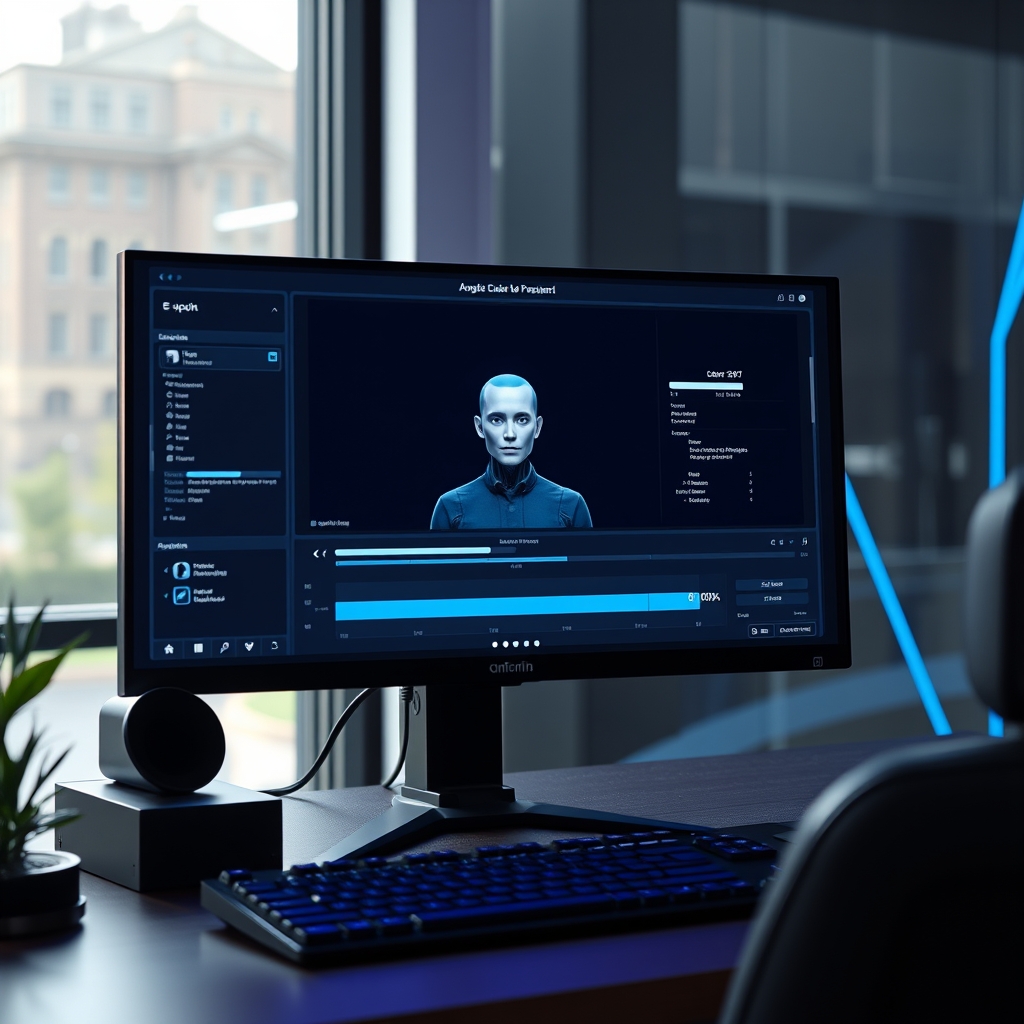
Video creation has undergone a massive shift. Content creators, marketing departments, and corporate learning teams no longer need studio cameras or lights to produce professional video content. Synthetic presenter tools let anyone turn written text into lifelike digital spokespeople within minutes.
To eliminate rendering delays, businesses rely on ai avatar software with fast video export options. These tools save marketing teams dozens of editing hours every week. When publishing daily shorts, localized training videos, or personalized sales outreach, waiting hours for a video to render creates serious operational bottlenecks.
Modern cloud processing and GPU acceleration have transformed render times across the industry. Selecting the right platform requires understanding how export speed, rendering architecture, and avatar fidelity balance against your team budget.
What Makes Video Export Speed So Critical in 2026?
Digital media strategies require high velocity. Social platforms favor accounts that post consistent, high-frequency updates. E-learning platforms demand rapid revisions when company procedures or software tools change.
Slow rendering cycles delay campaign launches and limit dynamic testing. When an export takes thirty minutes for a two-minute video, fixing a minor typo in the voice track turns into a frustrating delay.
Rapid export functionality enables real-time iteration. Creators can generate multiple variations of a video script, evaluate visual timing instantly, and publish localized versions across global target markets without waiting on traditional processing queues.
Key Features of AI Avatar Software with Fast Video Export Options.
Not all digital presenter tools process video at the same rate. System design and cloud infrastructure heavily influence render performance.
When evaluating platforms built for speed, several core capabilities stand out:
- Cloud GPU Server Arrays: Platforms using modern distributed GPU clusters deliver quick server-side processing regardless of your local hardware capabilities.
- Fast Draft Mode: Low-resolution rapid previews allow creators to check lip synchronization, visual timing, and layout framing before committing to full 4K exports.
- Batch Video Exporting: The ability to queue dozens of script variations simultaneously ensures large-scale campaigns compile efficiently.
- Direct API Integration: Automated headless rendering pipelines process raw data into fully edited videos without requiring manual UI clicking.
Top AI Avatar Platforms Reviewed for Render Speed and Quality
Many teams prioritize ai avatar software with fast video export options. Render speed depends heavily on server architecture and visual detail. Here is a breakdown of the leading platforms performing exceptionally well in speed tests.
HeyGen: Leading Speed and Batch Workflow
HeyGen has built a reputation for extremely rapid processing. Its server infrastructure prioritizes near real-time rendering for standard definition previews, while full 4K output renders significantly faster than traditional cloud editors.
For creators managing multi-language video drops, HeyGen offers automated voice translation paired with fast background rendering. Users can batch-generate twenty localized scripts and export them in parallel within minutes.
Synthesia: Enterprise-Grade Visuals with Accelerated Cloud Export
Synthesia focuses on high-fidelity hyper-realistic presenters designed for corporate training and internal communications. Their 2026 cloud infrastructure upgrades reduced average export times by more than forty percent across standard resolutions.
Synthesia handles full 1080p and 4K exports smoothly. Its web interface lets users build complex multi-scene templates, and its direct video API allows rapid headless rendering directly from learning management platforms.
Colossyan: Instant Drafts for Learning and Development
Colossyan excels in workplace education and interactive scenario building. A major advantage of Colossyan is its quick-render draft functionality, which compiles low-bandwidth video previews in seconds.
This fast preview engine lets instruction designers check slide transitions, text overlays, and avatar positioning instantly. Once confirmed, full high-definition exports complete in a fraction of standard production time.
DeepBrain AI: Hardware-Accelerated High Speed Output
DeepBrain AI specializes in conversational avatars and rapid newsroom production. Its technology utilizes hardware acceleration designed to deliver video rendering speeds approaching real-time execution.
Media organizations relying on rapid news updates or fast customer service video scripts benefit greatly from DeepBrain AI. Their priority rendering channels process high-resolution files faster than most standard browser editors.
Comparison Table: Render Speed, Resolution, and Features
How to Optimize Your Content Pipeline for Faster Video Exports
Even with top-tier software, setting up your project files correctly helps keep processing times as short as possible.
Integrating ai avatar software with fast video export options. helps keep your publishing workflow running smoothly. Here are practical ways to speed up your render queue:
- Use Pre-Baked Media Assets: Keep background videos and complex animations pre-rendered. Overlaying a moving avatar on a static image or light video background uses less GPU overhead than rendering full dynamic 3D backdrops.
- Review Draft Mode First: Always inspect your script alignment and avatar gestures using draft mode. Exporting high-definition files only for finalized drafts eliminates wasted rendering cycles.
- Leverage Batch Processing: If your platform supports parallel exports, submit all language or text variations in one batch rather than starting individual export tasks manually.
- Optimize Video Resolutions: For short social posts consumed on mobile screens, exporting in 1080p rather than uncompressed 4K cuts processing time dramatically without sacrificing visible quality.
According to research from the Wistia Video Marketing Report, video engagement relies far more on rapid delivery and script clarity than ultra-high resolution file size.
Frequently Asked Questions
Does higher video resolution increase export time?
Yes. Exporting in 4K resolution requires processing four times as many pixels as standard 1080p video. If export speed is your top priority, select 1080p for web distribution.
Can hardware specs affect web-based AI avatar rendering?
Most modern AI avatar generators process videos on cloud servers rather than on your computer. However, a faster local CPU and browser engine speed up web editing, timeline scrubbing, and preview buffering.
How does API rendering improve video export speed?
API rendering bypasses the graphical web browser completely. Your server sends raw text data directly to the generator's processing engine, allowing automated, rapid background exports.
Final Thoughts
Speed is essential for modern content creation. Choosing modern ai avatar software with fast video export options. keeps your media output agile and cost-effective. By matching rendering speed, API accessibility, and avatar fidelity to your team's specific distribution needs, you can scale video output without slowing down production schedules.
Related Articles
 AI
AI
Top AI Avatar Tools for Multilingual Voiceovers
August 28, 2026 AI
AI
Search Engines That Don’t Use AI: Top Clean Alternatives
August 28, 2026 AI
AI